

Website Redesign: Plan the Customer Journey First
A website redesign often starts with colours, layouts and examples of sites you like. Those decisions matter, but they cannot solve an unclear buying journey. A visitor still needs to understand what you offer, whether it fits their needs, why they should trust your company and how to take the next step. Before choosing a new homepage design, map that journey. It will help you decide which pages, content and features your business actually needs.
Planning a new website or a redesign? Compare Meta Studio’s website design packages and choose a starting point that matches your project. If the scope is not clear yet, tell us what the website needs to do.
Start with one customer and one useful action
“We need a modern website” is a design preference. “A purchasing manager needs to check our capabilities and request a quotation” is a useful project brief. The second statement gives the website a job and identifies the information needed to complete it.
Choose a primary audience for each important service. A homeowner looking for a contractor may need different evidence from a procurement team comparing suppliers. If both audiences matter, create clear routes for each rather than mixing every message on the homepage.
Then define the action you want that visitor to take. It might be requesting a quote, booking a consultation, downloading a company profile or buying a product. Several actions can exist, but each page should make its main action easy to recognise.
Map the questions before drawing the pages
A simple planning exercise is to write the questions a customer asks before contacting you. Group the answers into a small number of stages:
- Relevance: Do you provide the service I need, in the location where I need it?
- Scope: What is included, and what information do you need from me?
- Evidence: Can I see relevant work, capabilities or other credible details?
- Next step: How do I enquire, and what happens after I submit my request?
This exercise often reveals missing content before it reveals a missing feature. A business may need a clear service page and a better enquiry form more urgently than an animated homepage or a complicated customer portal.
Give service pages enough information to do their job
Imagine a visitor searching for a company that designs product catalogues. They land on a page that says the company offers “creative solutions”, followed by a large contact button. The page looks polished, but it has not answered their question.
A more useful page explains the deliverables, the material the customer should prepare, the review process and the available output formats. It shows relevant examples and offers an enquiry route that identifies the requested service.
For a service business, the homepage should introduce the company and guide visitors to the right information. It does not need to contain the full explanation of every service. Our corporate website design service is relevant when you need a structured presentation of your business, services and work.
Match the evidence to the decision
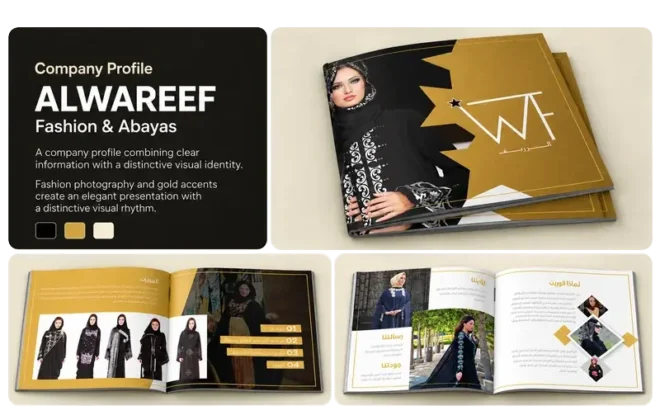
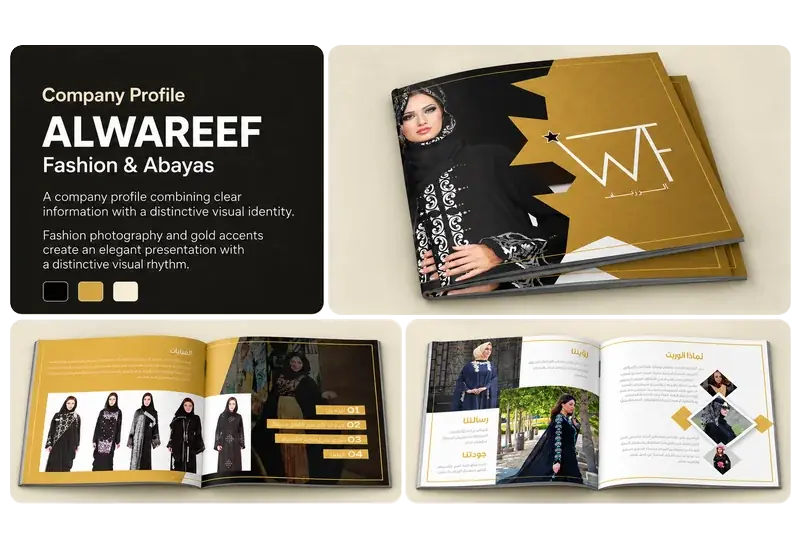
A large gallery is not automatically persuasive. Choose examples that help the visitor assess the service they are considering. A company website project should explain the type of site and its purpose. A company profile example should show how information is organised, not just how attractive the cover looks.
Use genuine work and accurate descriptions. If an image is a mockup, present it as a mockup. If a project is a concept, identify it clearly. Do not attach performance figures or customer statements that you cannot support.
You can browse Meta Studio’s portfolio to see examples across our services. During your own website planning, select the examples that answer a specific customer question.
Design the enquiry route for mobile use
Review the journey on a phone before approving the desktop layout. Can a visitor read the service summary, find the main button and complete the form comfortably? A contact button should remain easy to reach without covering the page content.
Ask only for information that helps you respond. A general enquiry may need a name, contact details, the requested service and a short description. A detailed project questionnaire can come later when it is needed. Keep instructions clear, confirm successful submission and test that the message reaches the right inbox.
WhatsApp can be useful alongside a form, especially for customers who prefer a quick first conversation. Make sure the link opens the correct number and gives enough context for the enquiry.
Protect useful URLs during a website redesign
Before replacing a live site, record the existing page addresses. Keep useful URLs where possible. If an address must change, redirect the old page to its closest relevant replacement and update internal links to point directly to the new address.
Also check page titles, descriptions, language links, images and forms after launch. For Google’s explanation of how redirects work, see its official redirect guidance. A website redesign should preserve access to useful information while improving how it is presented.
A short brief to prepare before requesting a quote
Bring together your main audiences, priority services, desired enquiries, existing URLs, approved company information and relevant examples. List essential functions separately from optional additions. Explain who will update the content after launch.
With these decisions written down, design choices become easier to assess. You can ask whether a layout helps the customer complete the journey, rather than judging it only by appearance. That gives your website redesign a clearer scope and makes the finished site easier to use and maintain.